

Welcome and away messages
Greet new chats instantly and send an away message outside working hours with your timings, location link and what the customer can expect next.

Auto-replies, broadcasts and lead capture on WhatsApp, run through the official WhatsApp Business API.
A ready WhatsApp setup for your business number using the official WhatsApp Business API and approved message templates. Reply faster, send updates to customers who have opted in, and capture enquiries as leads.

For most Indian customers, WhatsApp is the first place they ask a question. A business that replies late, or only during office hours, often loses that customer to a competitor. Our WhatsApp Automation product helps you answer quickly without someone watching the phone all day. It runs on the official WhatsApp Business API, connected to your own business number, so messages carry your verified business name and stay within WhatsApp's rules rather than relying on unofficial tools that risk getting the number blocked.
The setup covers welcome and away messages, keyword-based auto-replies, simple menus for common questions, broadcasts using WhatsApp-approved message templates and lead capture into our Lead CRM. Depending on your business it can also include order or appointment updates, fee or payment reminders and a shared inbox for your team. Bulk messages are only sent to customers who have opted in to hear from you, as WhatsApp requires. We customise flows, templates and replies in English, Hindi or both.
Greet new chats instantly and send an away message outside working hours with your timings, location link and what the customer can expect next.
Answer common questions on fees, prices, timings or location with keyword replies or a simple numbered menu, and pass complex chats to your staff.
Send offers, notices and updates using WhatsApp-approved templates to customers who have opted in, following WhatsApp's messaging and opt-in rules.
New WhatsApp enquiries can be saved with name, number and requirement, and sent to our Lead CRM for follow-up by your team.
Send appointment, order, delivery, fee or payment reminders automatically from your billing, booking or ERP system using WhatsApp-approved notification templates.
Several staff members can reply from one business number through a shared inbox, with chats assigned so customers do not get two answers.
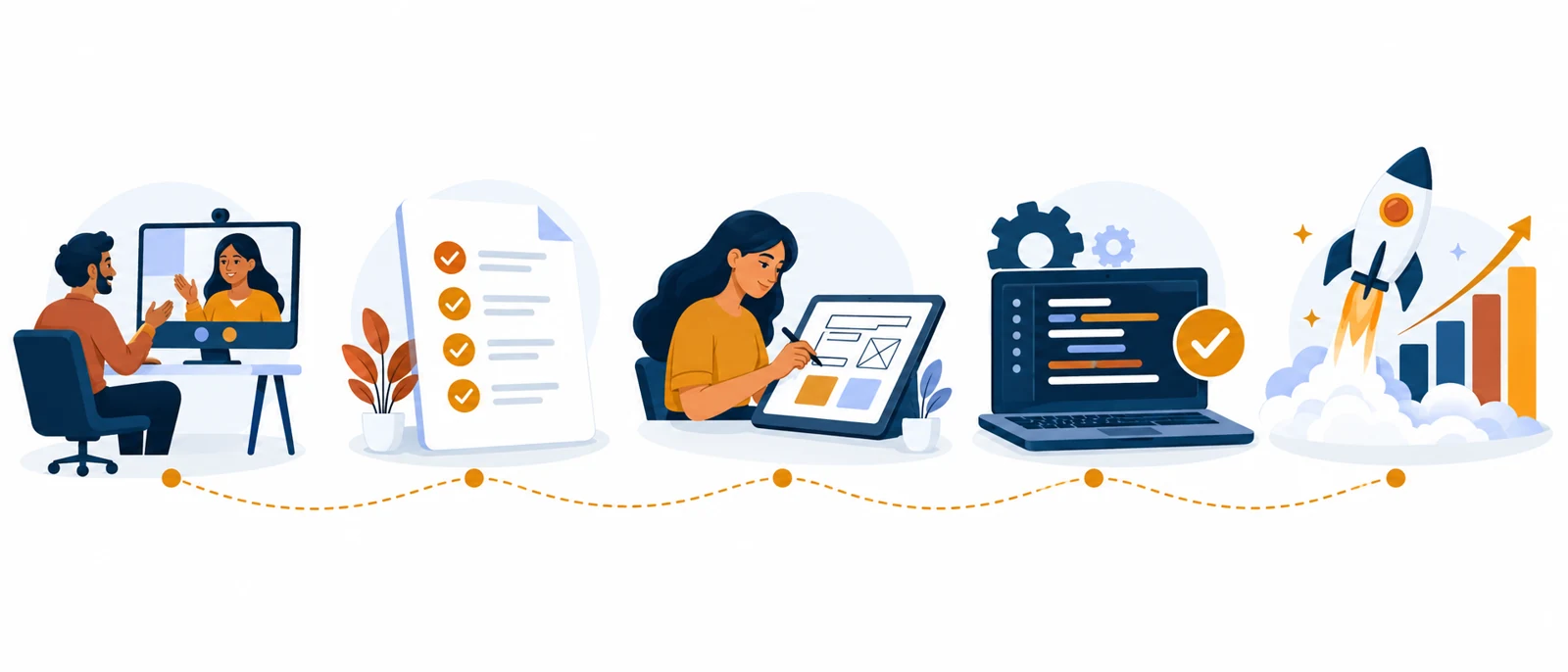
We show how the automation works and list the questions, updates and broadcasts you want to handle on WhatsApp.
We help you set up the official WhatsApp Business API on your business number through Meta, including business verification where needed.
We write your auto-replies and menus, and submit broadcast and reminder templates to WhatsApp for approval.
We connect the Lead CRM or your other systems, test every flow with you and set up opt-in collection for broadcasts.
We train your team on the inbox and broadcasts, switch the automation on, and support you on WhatsApp afterwards.
Still unsure? Message us on WhatsApp and we will answer the same day.
Yes. We use the official WhatsApp Business API from Meta, connected to your own number. We do not use unofficial bulk-sending tools, which can get a number banned.
Broadcasts can only go to customers who have opted in to receive messages from you, and they must use templates approved by WhatsApp. We help you collect opt-ins properly through your website, forms or chats.
Yes. WhatsApp charges per conversation or message under its own pricing, separate from our setup. We explain how this works for your use and include our part in a fixed written quote.
Yes. Automation handles routine replies, and any chat can be taken over by your staff from the shared inbox at any time.
 Products · Sales & marketingLead CRMEvery enquiry from your website, ads and WhatsApp in one list, with follow-ups that do not slip.Read more →
Services · Digital marketingSocial Media ManagementRegular, on-brand posts and reels for Instagram, Facebook and LinkedIn, planned a month ahead.Read more →
Products · Sales & marketingLead CRMEvery enquiry from your website, ads and WhatsApp in one list, with follow-ups that do not slip.Read more →
Services · Digital marketingSocial Media ManagementRegular, on-brand posts and reels for Instagram, Facebook and LinkedIn, planned a month ahead.Read more →
 Services · Hosting, brand & careMaintenance & AutomationKeep your website updated, backed up and secure, and automate repetitive follow-ups and messages.Read more →
Book a demo and see how WhatsApp Automation would answer your customers.